
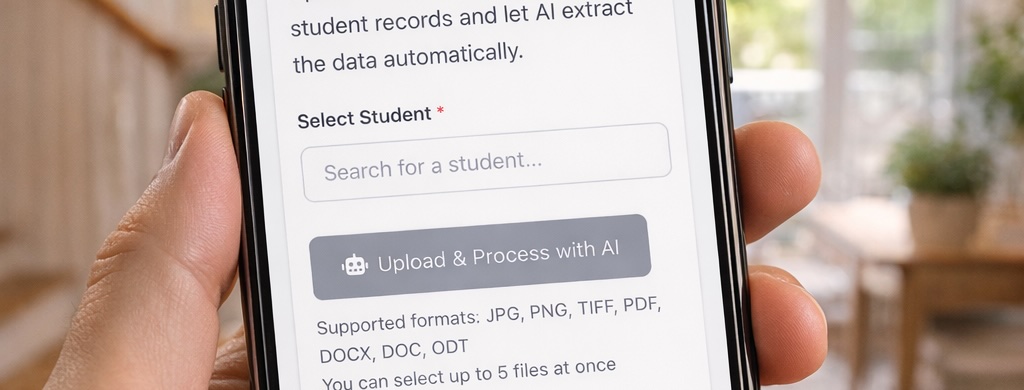
As users of Scholaright ourselves, we are always looking for ways to make it better and easier. Scholaright’s Auto Import feature makes bringing in records from your paper or other digital records a cinch. Now, with mobile support, it’s as easy as taking pictures on your phone.
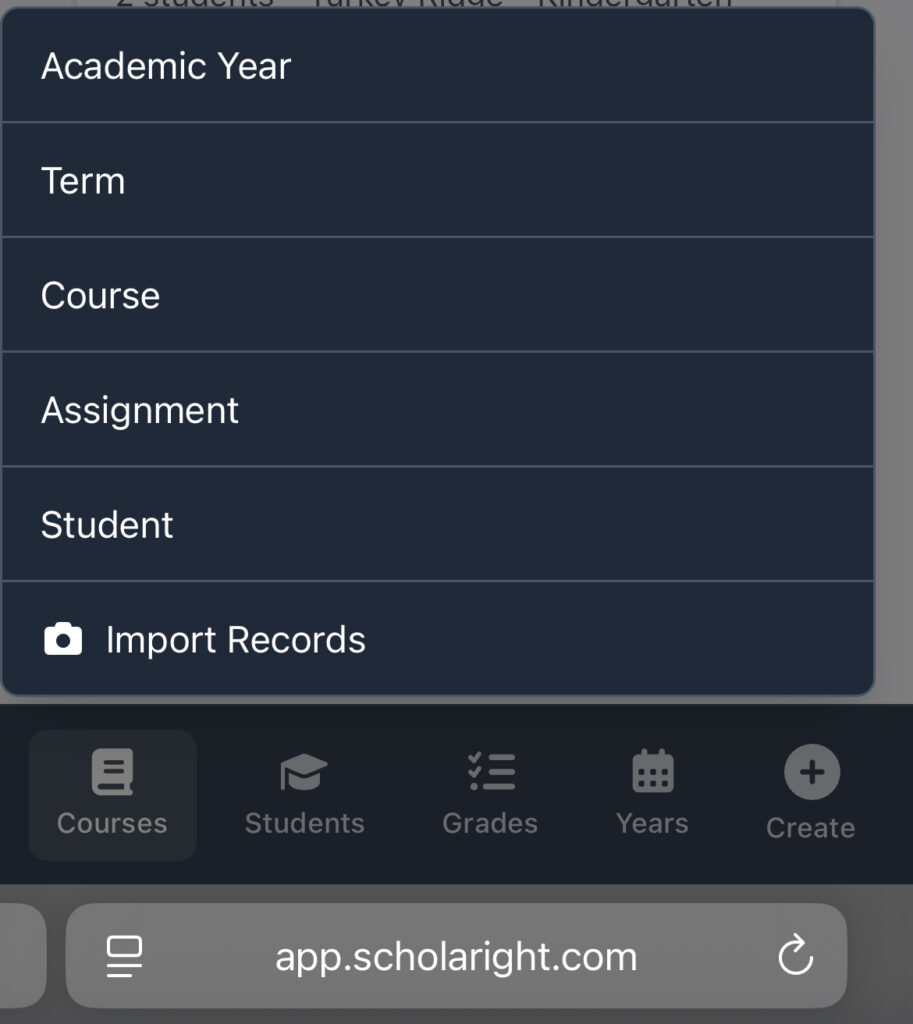
When you are on mobile, simply click the Create button, and you will see the “Import Records” option. Follow the normal steps for the Auto Import tool. You can either choose to take photos with your camera or select files from your phone’s photo album.
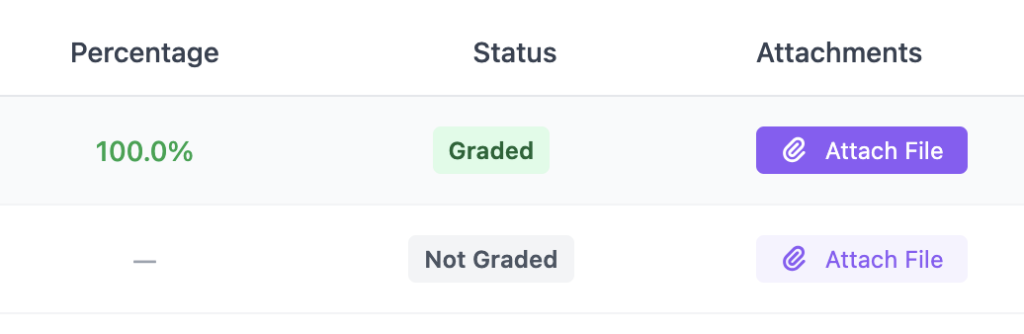
Speaking of photos and files, Scholaright now supports attaching student files to assignments! We are still working out how this should feel on mobile, so it is only available on larger screens for now (now available on mobile, too!). Open an assignment in a course and you will see an option to attach a file:
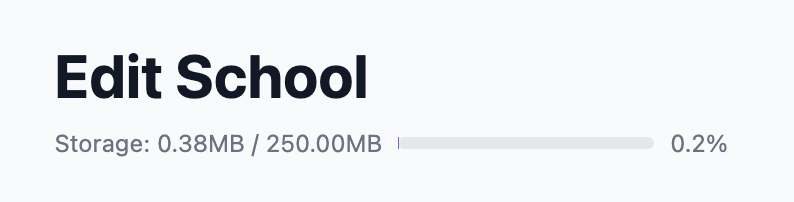
For now, Scholaright supports up to 5MB per attachment and a total of 250MB per school. We will watch these limits and try to adapt to our users’ needs. You can see how much storage you are using by going into the Edit School menu:
We hope these new features give you a boost in your amazing efforts to prepare your kids for life. If you have any trouble with these or other features, please contact us at support@scholaright.com.